Key takeaways
- Automate intake, extraction and matching first — that is where most time is lost before pricing starts.
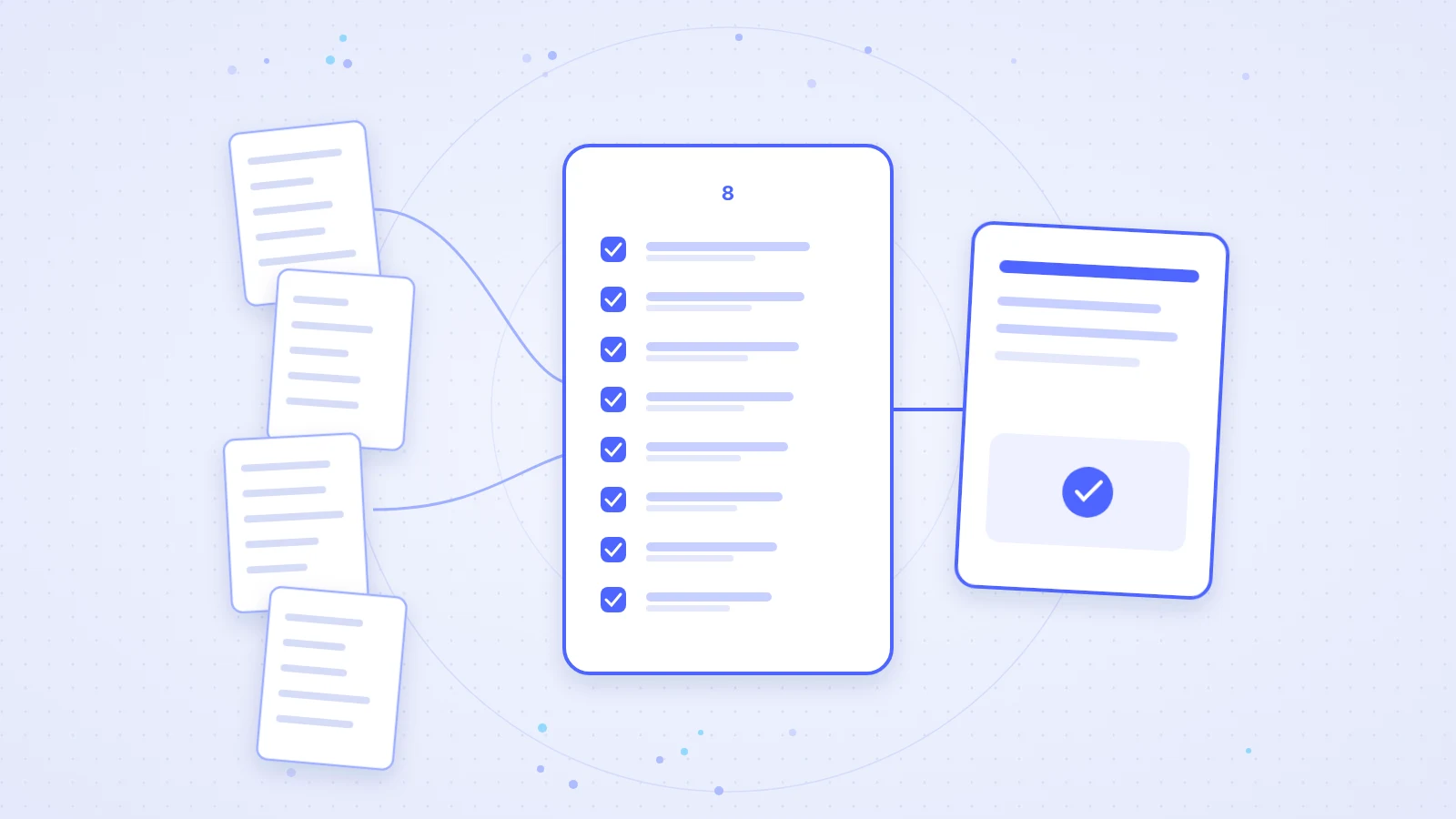
- Selection checklist with eight criteria: BoQ import, matching, ERP, formats, confidence/rationale, export, languages/Europe, pilot with real BoQs.
- Confidence scores change review culture: review uncertain matches on purpose instead of double-checking everything.
- ACO and Frauenthal figures come from published case studies or the product page; features only from the product page and FAQ.
As of 7 November 2026 · Expansion of the existing resource article (including webinar lessons)
Transparency note: Scalera builds tender and proposal software. We wrote this guide ourselves. Feature claims follow the product page and FAQ; figures follow published case studies. Feedback: info@scalera.ai.
Construction suppliers often lose deals long before price talks begin. They lose them in the days spent reading a tender, spotting relevant line items and mapping them to the right products. Anyone who knows the inside-sales bottleneck also knows the hidden cost of manual tender processing — and why automation creates capacity first rather than replacing people.
This expansion replaces the thin legacy guide and folds in useful webinar lessons (automation order, confidence scores). For results by product area see construction quoting software results; for bid/no-bid and triage see prioritising tenders. Formats are covered in depth in GAEB, ÖNORM and NPK; content analysis in analyse bills of quantities with AI.
Why automating proposals matters for construction suppliers
A single tender can span hundreds of pages and thousands of line items — across PDFs, GAEB files and spreadsheets. Before anyone can quote, someone must read everything, decide relevance and translate specification language into catalogue products.
At ACO, a 300-page bill of quantities took 30–45 minutes manually; with Scalera it is 10–15 minutes (ACO case study). The product page cites a possible reduction in processing time of up to 80 percent (Scalera product matching). The strongest argument remains capacity: requests that would otherwise sit unanswered land inside the decision window.
- Less inbox backlog and shorter response times
- More tenders processed with the same team size
- Expert time for pricing, alternatives and customer relationships instead of document search
The four phases of every supplier proposal
Every supplier proposal follows the same four phases. Automation does not replace judgement in any of them — it removes repetitive reading and searching.
- Intake and qualification: deadlines, duplicates and rough relevance — otherwise the team starts with the wrong file.
- Extraction: pull line items and requirements without missing chapters or attachments.
- Matching: map lines to products and prices — by specification, not keywords alone.
- Creation and export: document the quote and hand it to ERP, CPQ or CRM without retyping.
According to the product page, Scalera sorts inbound tenders by estimated order volume and detects duplicates; matching provides a rationale and AI confidence (Scalera product matching). For prioritisation first, use the bid/no-bid framework.
Where time is lost — before pricing even starts
In a stopwatch exercise with an anonymised tender, reading, qualification, extraction and product search consumed most of the effort. Pricing and commercial strategy — where expertise creates value — often got the smallest share.
That implies an order: intake and extraction first, then matching, then quote creation. Starting at the top of the funnel lets every downstream step benefit immediately. Teams build trust on lower-risk tasks before leaning on the system for product decisions.
Trust in automation comes from honest uncertainty — confidence scores and rationales — not from claiming every line can be accepted blindly.
Selection checklist: 8 criteria for quoting software
The hub on results by product area puts published metrics in context. For software selection you also need hard checks against your own catalogue. This checklist replaces a separate “quoting software comparison” page and stays clear of the pilot, CPQ and assistant articles — we link there for depth.
| Criterion | What to verify | Practice question |
|---|---|---|
| 1. BoQ import | PDF, scan, Excel, structured formats | Does your real inbox ingest cleanly? |
| 2. Product matching | Catalogue hits including alternatives | Does AI use specs — or only keywords? |
| 3. ERP connection | Integration without retyping | Do matches land in ERP/CPQ/CRM? |
| 4. Formats | GAEB, ÖNORM, NPK per market | Do your top formats import? |
| 5. Confidence | Score plus rationale per match | Can you see why a match is uncertain? |
| 6. Export | CSV, XML, GAEB, API | Can you continue without copy-paste? |
| 7. Languages | Europe, multilingual use | Do document and UI work in your markets? |
| 8. Pilot | Real BoQs, measurable KPIs | Is there a time-boxed test? |
Sources for Scalera features: product matching page and FAQ (retrieved 7 Nov 2026). No competitor column — test vendors on your own material.
1. BoQ import: does the real inbox come in?
Software that only reads clean demo PDFs fails on real work. Per the FAQ, Scalera reads scanned and digital PDFs, GAEB files, Excel/CSV, XML and emails including attachments (FAQ). In the pilot, test the file types you actually received last month.
2. Product matching: specification over keywords
Matching must understand technical and normative requirements, not just count words. The product page describes specification-, use-case- and standard-based assignment plus suggestions for missing accessories (Scalera product matching). Frauenthal’s published case study focuses on precision across millions of articles (Frauenthal case study).
3. ERP connection: no retyping
Value stops if matches are typed into ERP again. FAQ: integration with ERP, CRM and PIM; for ERP ready SAP IDoc interfaces, a REST API and configurable formats (FAQ). Depth without duplication: ERP integration for tenders and quotes.
4. Formats: GAEB, ÖNORM, NPK
Suppliers active in DE, AT and CH need more than one format. Product page: PDF, scan, Excel, GAEB, NPK, ÖNORM and further standards (Scalera product matching). Not a substitute for the format guide — details and failure modes: GAEB, ÖNORM and NPK.
5. Confidence and rationale
Transparent matches with rationale and AI confidence are on the product page (Scalera product matching). Without a score, teams either review everything or nothing — neither scales. With a score, you prioritise rework.
6. Export paths
Per the product page: handoff as CSV, XML or GAEB and via API to ERP, CPQ and CRM (Scalera product matching). In the pilot, clarify your inside-sales target path, not only import.
7. Languages and Europe
FAQ: used across Europe; common EU languages — among them DE, EN, FR, IT and ES — in documents and UI; hosting in European data centres (FAQ). Test at least one foreign language that appears in your tenders.
8. Pilot with real bills of quantities
Demo data flatters. Take 10–20 bills of quantities from the last quarter, one product line and written success criteria. The pilot article covers process and pitfalls (test AI software in a pilot).
Why confidence scores change review culture
The most discussed webinar topic was not raw speed but transparency. When the system shows how sure it is on every match, review becomes targeted. Specialists stop double-checking every line — and the system earns trust through honest uncertainty. Scalera shows rationale and AI confidence per suggestion on the product page (Scalera product matching).
Organisationally, three rules help: set auto-accept thresholds, put uncertain matches into a review queue, and always keep exceptions (standard changes, custom items) human.
Pilot with real bills of quantities — how to measure
Start with one product line and one or two tender formats. Measure cycle time, share of correctly matched lines and rework effort. Scale only when the metrics are stable.
- Baseline: time and error rate on 10 manual bills of quantities
- Pilot: the same or comparable bills with software
- Review: uncertain matches and systematic failure patterns
- Go/No-Go: write success criteria before you start
If you already run CPQ, clarify role split in parallel — see CPQ or AI quote calculation. General contractors and procurement teams should also review Scalera supplier matching for supplier price inquiries.
What automation does not replace
Pricing strategy, risk assessment, alternative suggestions to the planner and customer relationships stay with the team. Automation removes the bottleneck before those decisions. Suppliers who treat automation as process change rather than a pure software purchase often see results within the first quarter — measurable in cycle time and answered requests.
Frequently asked questions
What does automating proposals mean for construction suppliers?
It means handing repetitive steps — reading documents, extracting line items, matching products and exporting data — to software so experts steer price, alternatives and customer relationships. Scalera’s product page describes automatic tender processing and product matching (Scalera product matching).
Which eight criteria belong on the selection checklist?
Bill-of-quantities import, product matching, ERP connection, formats (GAEB/ÖNORM/NPK), confidence and rationale, export paths, languages/Europe coverage, and a pilot with real bills of quantities. Test each criterion against your own catalogue and real requests.
Why are generic chat tools often not enough for tenders?
Generic assistants help with wording, but not reliably with line-level matching against your catalogue and the path back into ERP. For method comparisons see AI assistants for bills of quantities compared and CPQ or AI quote calculation.
Which formats should quoting software import?
According to the FAQ and product page, Scalera reads scanned and digital PDFs, GAEB, Excel/CSV, XML and emails; the product page also names NPK and ÖNORM (FAQ, Scalera product matching). Format details: GAEB, ÖNORM and NPK.
How do confidence scores change review culture?
When the system shows confidence and a rationale for every match, specialists review uncertain lines instead of double-checking everything. The product page describes transparent matches with rationale and AI confidence (Scalera product matching).
How do we start a pilot without scope creep?
One product line, one or two tender formats, clear KPIs (cycle time, hit rate, rework share) and real bills of quantities from the last quarter. Details: test AI software for tenders in a pilot.
What does quoting software cost?
Pricing depends on users, modules and volume. Current plans are on the pricing page — this guide does not list amounts.
How does this guide relate to the results hub?
This article covers process and selection criteria. Published results by product area are covered in the hub construction quoting software results — it does not replace the checklist.
Key insights
- Most proposal time sits before pricing: reading, extracting, matching.
- Eight selection criteria protect against demo theatre — especially confidence, formats, ERP and a pilot with real BoQs.
- Confidence scores make review targeted and scalable.
- Published figures (ACO, Frauenthal, product page) prove speed — not the quality of your pricing decision.
Next steps
- Run the checklist against your catalogue and top formats — note gaps.
- Plan a pilot with real bills of quantities (pilot guide).
- If useful, book a demo or verify features on Scalera product matching and the FAQ.
Sources (retrieved 7 November 2026)
- https://www.scalera.ai/en/product-matching – matching, formats, export, confidence; Frauenthal 4.5→37 min; 150+; up to 80%
- https://www.scalera.ai/en/faq – formats, ERP/SAP IDoc/REST, languages/Europe, data centres
- https://www.scalera.ai/en/case-study/aco – 300-page BoQ 30–45 → 10–15 min
- https://www.scalera.ai/en/case-study/frauenthal – catalogue context and precision
- https://www.scalera.ai/en/supplier-matching – supplier price-inquiry process